The Best Blinds for a Home Office: Cutting Screen Glare
A home office needs daylight to feel good and no glare on the screen to be usable. Those two goals pull against each other, and the right shade settles the argument.
In short
- Put the desk at right angles to the window if you can.
- Screen shades at 3% to 5% openness in a darker colour cut glare and keep the view.
- Top-down/bottom-up shades block low sun while keeping light up high.
- For video calls, face the window and soften it with a sheer or screen shade.
On this page
Start with the desk
Before choosing a shade, look at where the desk sits.
- Facing the window: you stare into brightness all day, and on video calls your face is lit nicely, but your eyes work hard.
- Back to the window: the screen catches reflections and you appear as a silhouette on video.
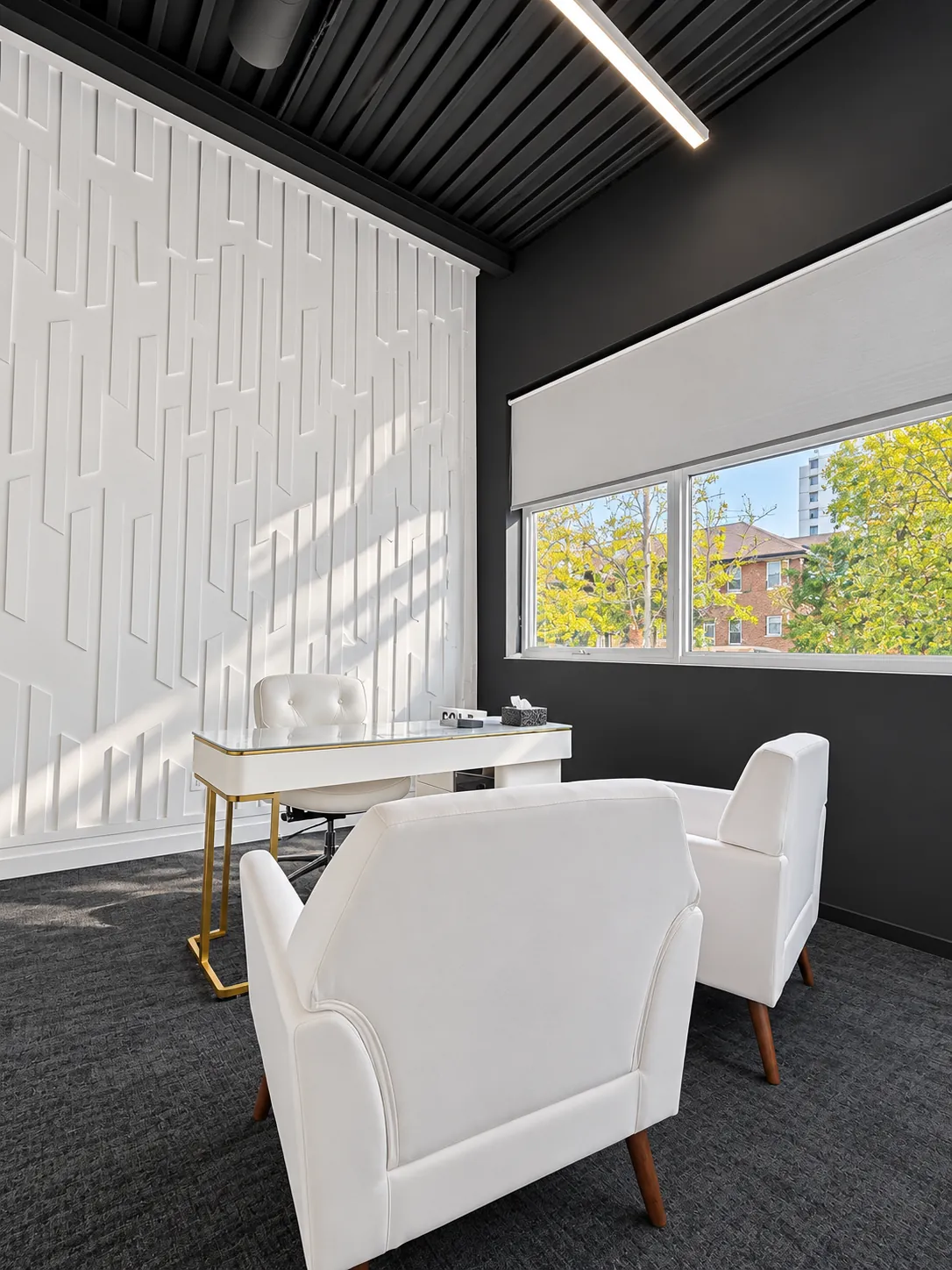
- Side-on to the window: the best arrangement. Light falls across the desk, not onto the screen or into your eyes.
If the desk can't move, the shade has to do more of the work.
Screen shades are the workhorse
Screen fabrics cut the brightness of the window so it is closer to the brightness of your monitor, which is what actually causes glare and eye strain. For offices we usually suggest:
- 3% to 5% openness, so the room stays bright and you keep the view.
- A darker colour (charcoal, grey or black), which cuts glare more and gives a clearer view than white.
- 1% openness for west-facing offices in the late afternoon.
See roller shade fabrics explained for the full range.
Match the shade to the window
- East-facing office: morning glare. Screen shade, lowered first thing.
- West-facing office: afternoon sun straight onto screens. Screen shade at 1% to 3%, ideally motorized on a schedule.
- South-facing office: low winter sun is the problem. Screen shade or zebra blind.
- North-facing office: gentle light. A zebra blind or sheer is usually enough.
Top-down/bottom-up and dual shades
A top-down/bottom-up shade can cover the lower part of the window, where low sun hits the screen, and leave the top open for daylight. A dual shade (a screen and a light-filtering or blackout shade on one bracket) gives you a glare setting and a full-privacy setting for evenings or presentations.
Better light for video calls
The most flattering light on a call comes from in front of you, softened. If you can face a window, a sheer curtain or screen shade turns harsh sun into even, soft light on your face. Avoid sitting with a bright window behind you; the camera will turn you into a silhouette.
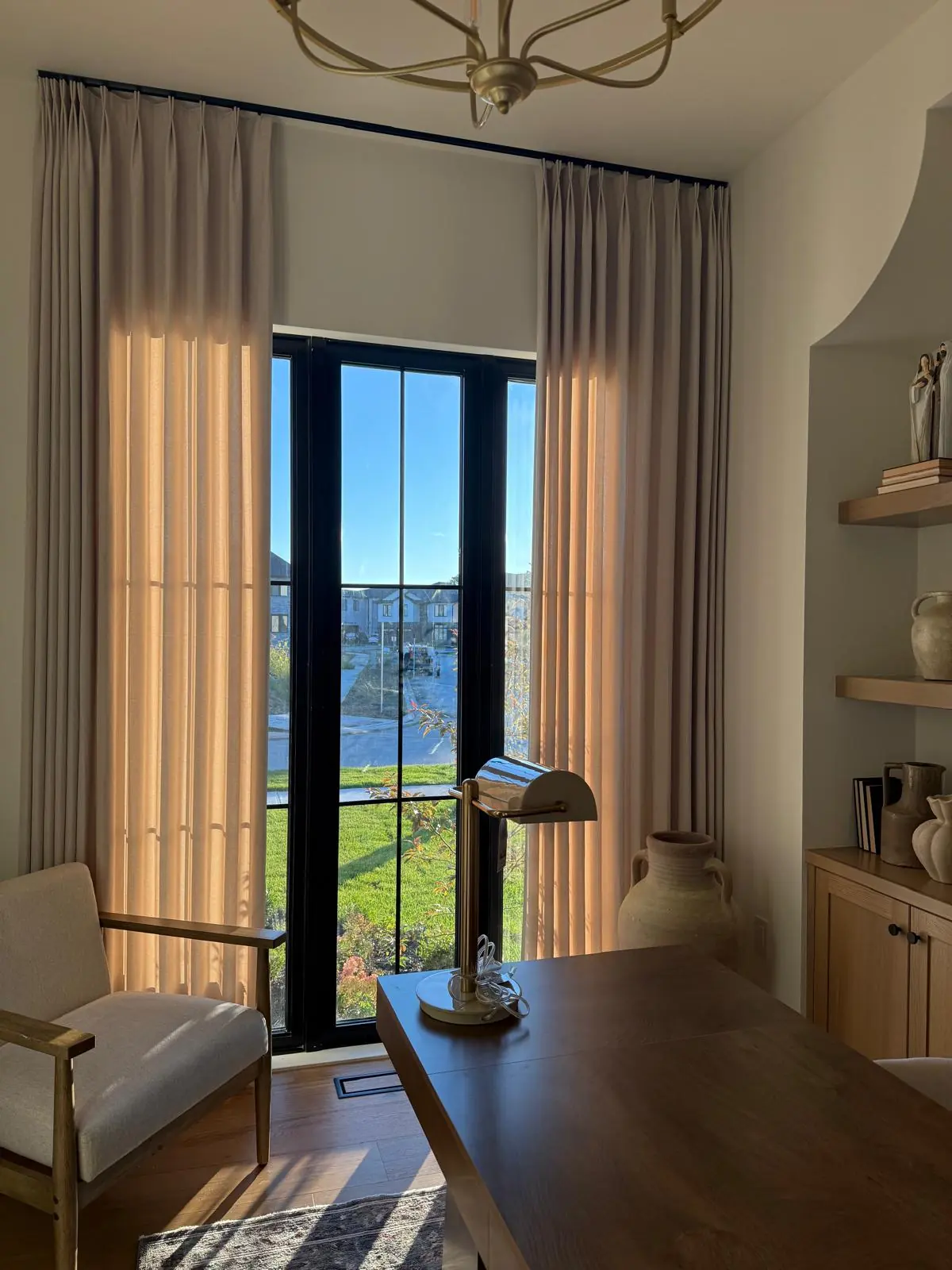
Motorized office shades
Motorized shades let you fix glare without getting up, by remote or by voice ("close the office shade"), and they can follow a schedule: down when the afternoon sun arrives, up when it has passed. See are motorized blinds worth it.
Offices outside the home
For businesses, the same rules apply on a bigger scale, plus durability, a uniform look from outside and fire-rated fabrics. See commercial window blinds.
A lighting checklist for your office
- The desk side-on to the window, with the screen out of direct sun.
- A screen shade at 3% to 5% openness for daytime glare.
- A light-filtering or blackout layer for late sun or evening calls.
- A desk lamp or soft overhead light so the room isn't darker than your screen.
- A motorized shade if the sun moves across your desk during the day.
Common questions
Do blackout blinds help with screen glare?
They remove it, but they also remove your daylight. A screen shade cuts glare while keeping the room bright, which is more comfortable for a full workday.
What colour shade is best for an office?
Darker screen fabrics, such as charcoal or black, cut glare the most and give the clearest view out.
Are zebra blinds good for a home office?
In rooms with gentle light, yes. For strong east or west sun on screens, a screen roller shade usually works better.
Which direction is best for a home office window?
North-facing windows give the most even light with the least glare. East- and west-facing offices work well with a screen shade you lower when the sun is on that side.